Logging in to the service
Use your Adobe ID to log in to Adobe Primetime Stream Validation Service. If you you are a first time user, first create an Adobe ID.
-
Navigate to
https://validate.adobeprimetime.com
The Sign in page for PSVS prompts you to enter your Adobe ID and
Password.
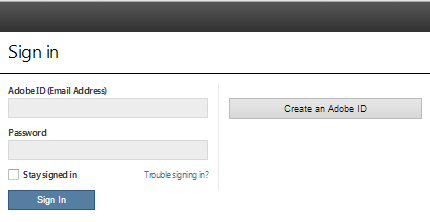
- If you are a first time user, click Create an Adobe ID to create an Adobe ID .
-
Enter your credentials and click
Sign In.
- If the authentication is successful, you are redirected to the PSVS landing page.
- If the authentication fails, an error message is displayed on the screen with the appropriate message.
- If you are signing in for the first time, a Terms of Use page is displayed.
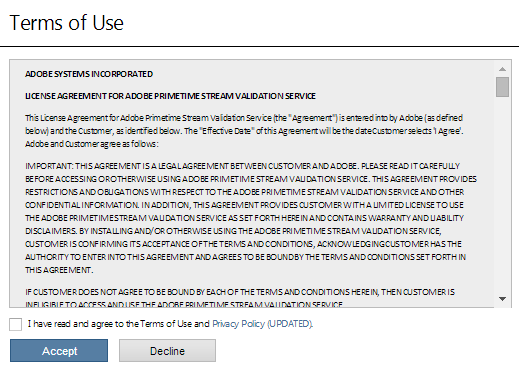
- Select I have read and agree to the Terms of Use and Privacy Policy UPDATED.
- Click Accept to continue to the PSVS landing page.