Import videos with a transparent background
Layer overlays, animated elements, and effects directly onto your designs, with no green screen or manual background removal.
Learn more about transparent video support in Adobe Express ›
Explore the new and enhanced features in the latest releases of Adobe Express on desktop web.
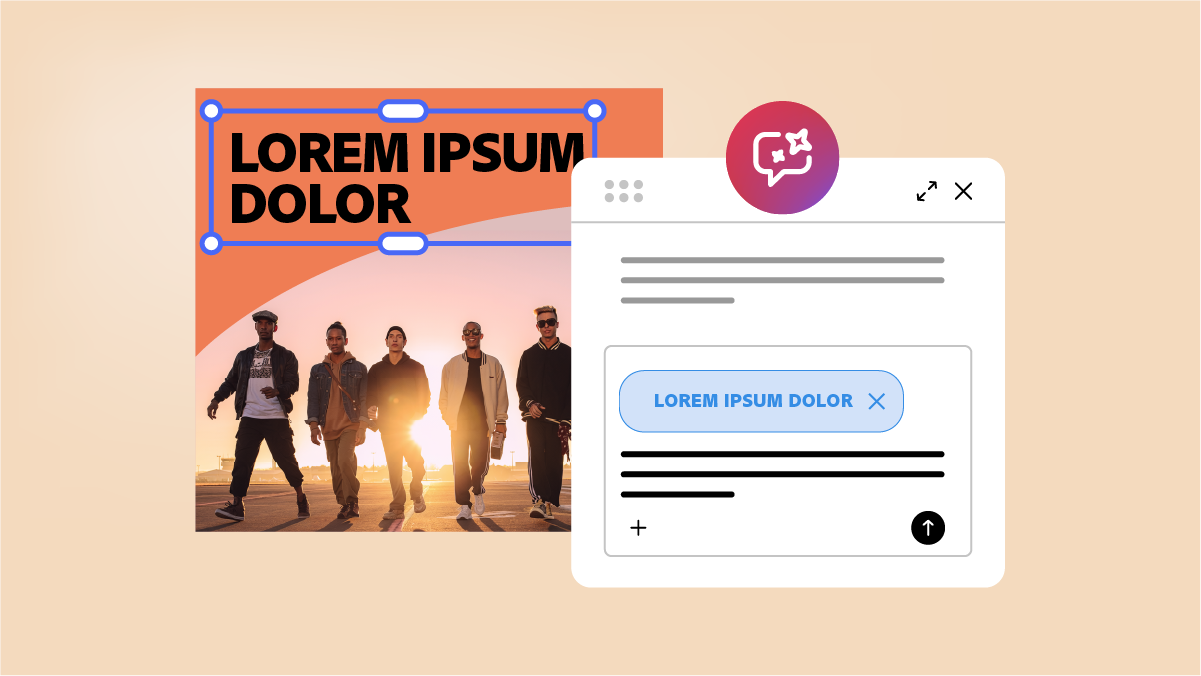
Turn ideas into designs through conversation with AI Assistant. Describe what you want, chat to refine it, and customize any element in the editor to make it your own.
Learn how to generate designs with AI Assistant ›
Attach a brand to your prompt, and AI Assistant creates designs using its colors, fonts, logos, and brand voice.
Learn how to create on-brand designs with AI Assistant ›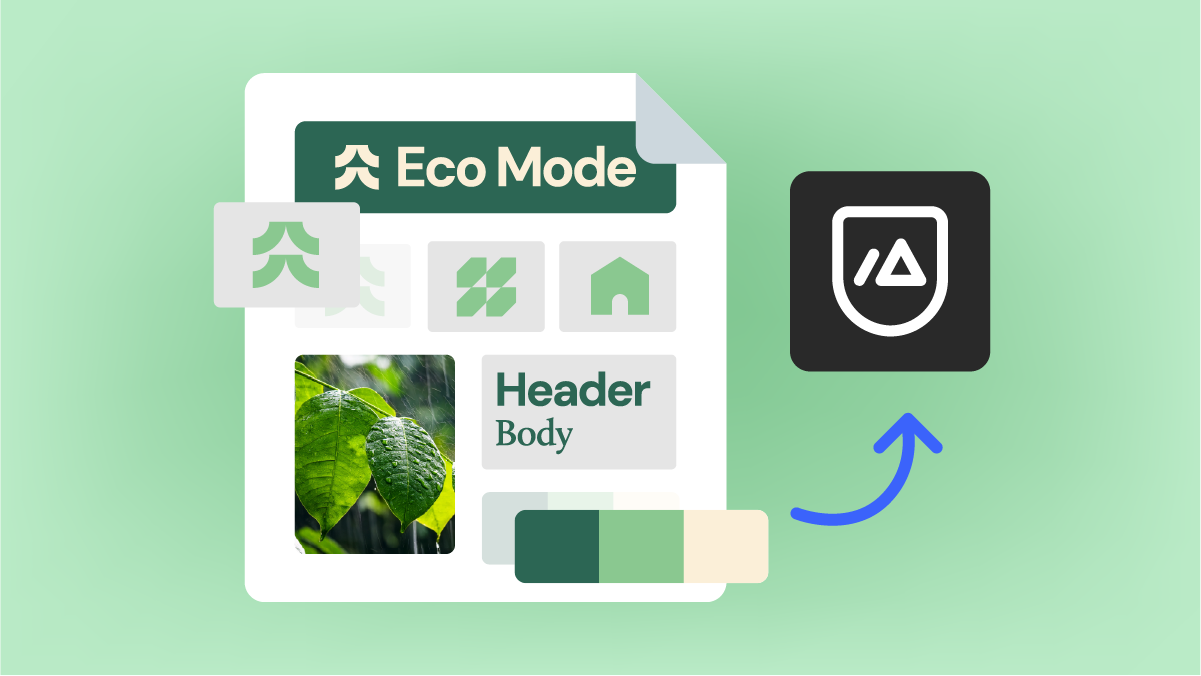
Upload a PDF, and Adobe Express automatically extracts key elements to generate content that follows your brand’s look, feel, and standards.
Learn how to extract brand from PDFs ›
Describe what you want to create, choose a template, and customize it in the built-in Adobe Express editor, all within the same chat.
Learn how to design with the Adobe Express connector ›
Download an Adobe Express design as a layered Adobe Photoshop (PSD) file to continue editing and refining it in Photoshop.
Learn how to export for Photoshop ›
Download an Adobe Express design as an IDML file to continue editing and refining it in Adobe InDesign.
Learn how to export for InDesign ›
Keep content on brand with a one-click check that catches and fixes off-brand fonts, colors, and logos.
Learn how to run brand checks ›
Start exploring the latest updates and enhancements now.

Review a summary of updates and fixed issues for previous Adobe Express releases.

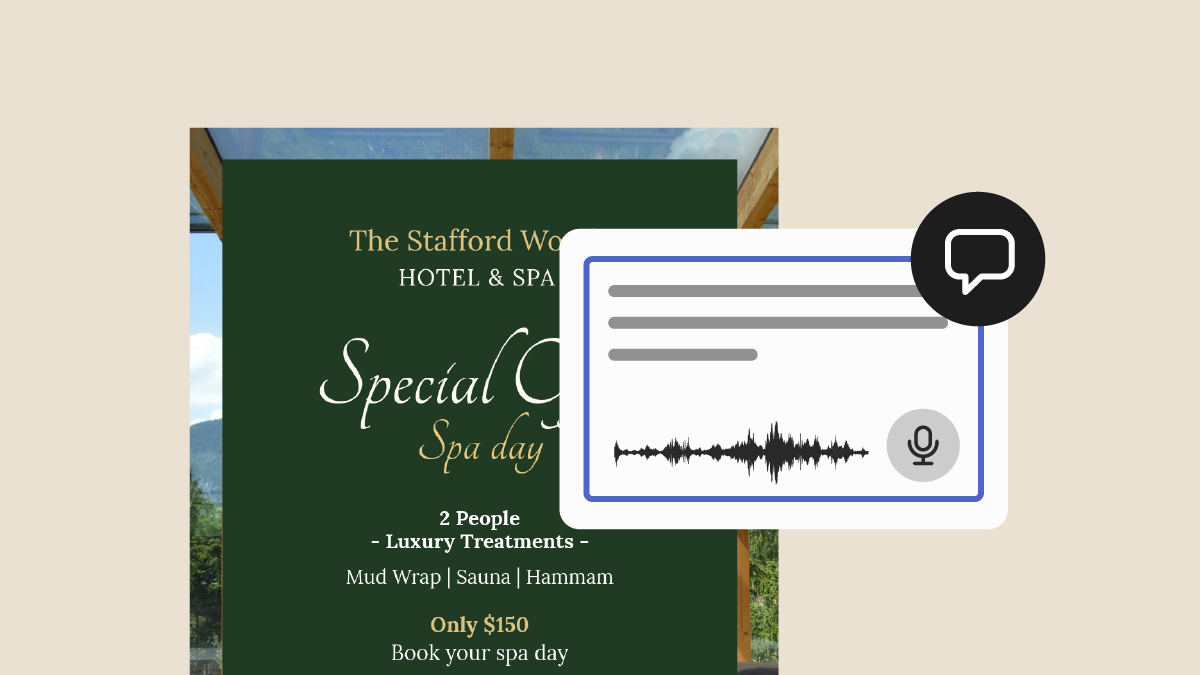
Speak your comments instead of typing them, then review and edit the text before you post.
Learn how to use voice-to-text for commenting ›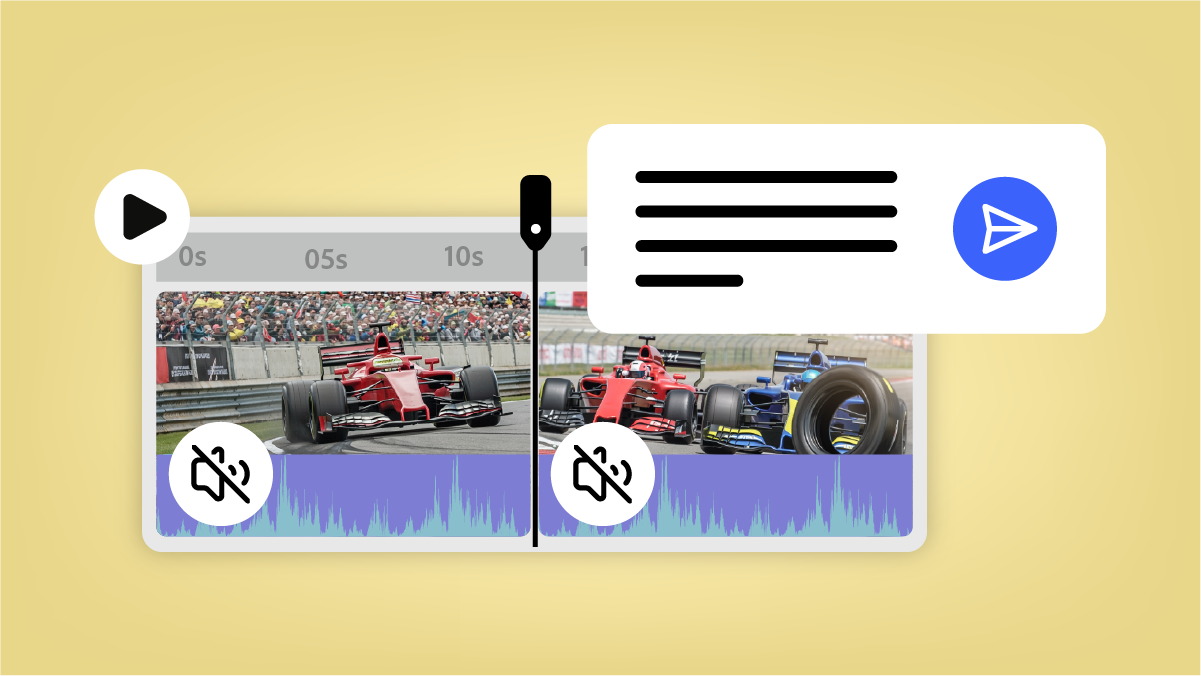
Open a multi-scene video project, then prompt to edit assets, trim multiple clips, mute clips, change duration, or add transitions.
Learn more about AI Assistant ›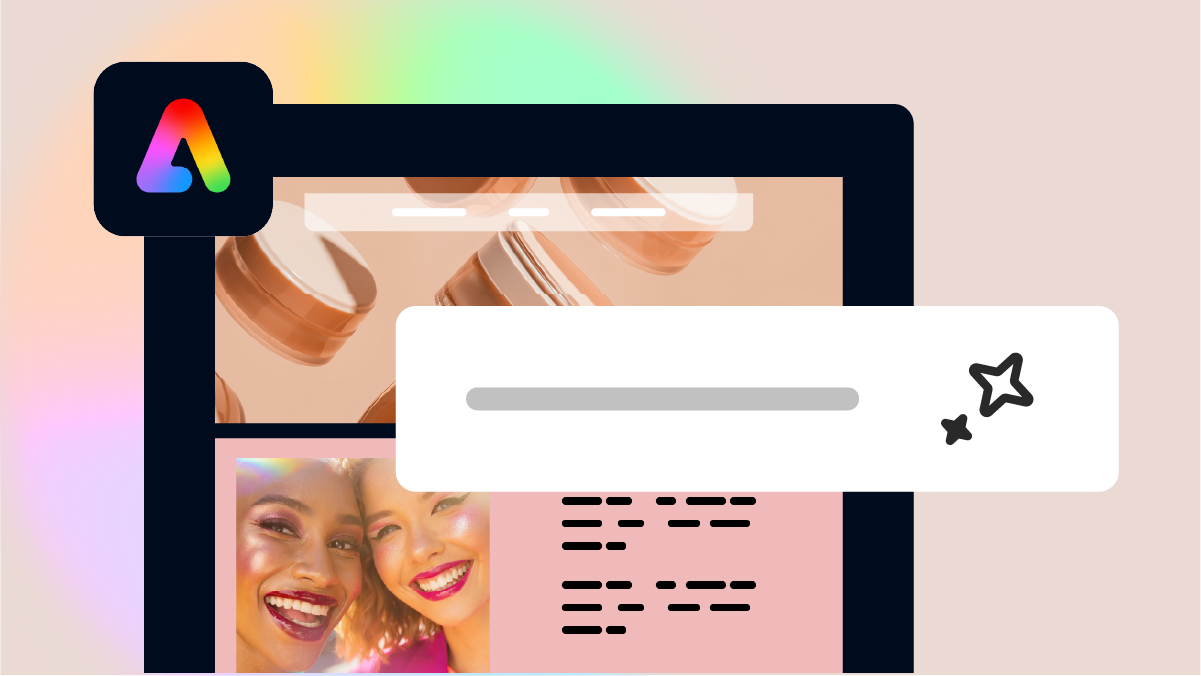
Create a fully designed webpage from a simple text prompt, all without leaving Adobe Express. Now available on Adobe Express Education plans.
Learn how to generate webpages ›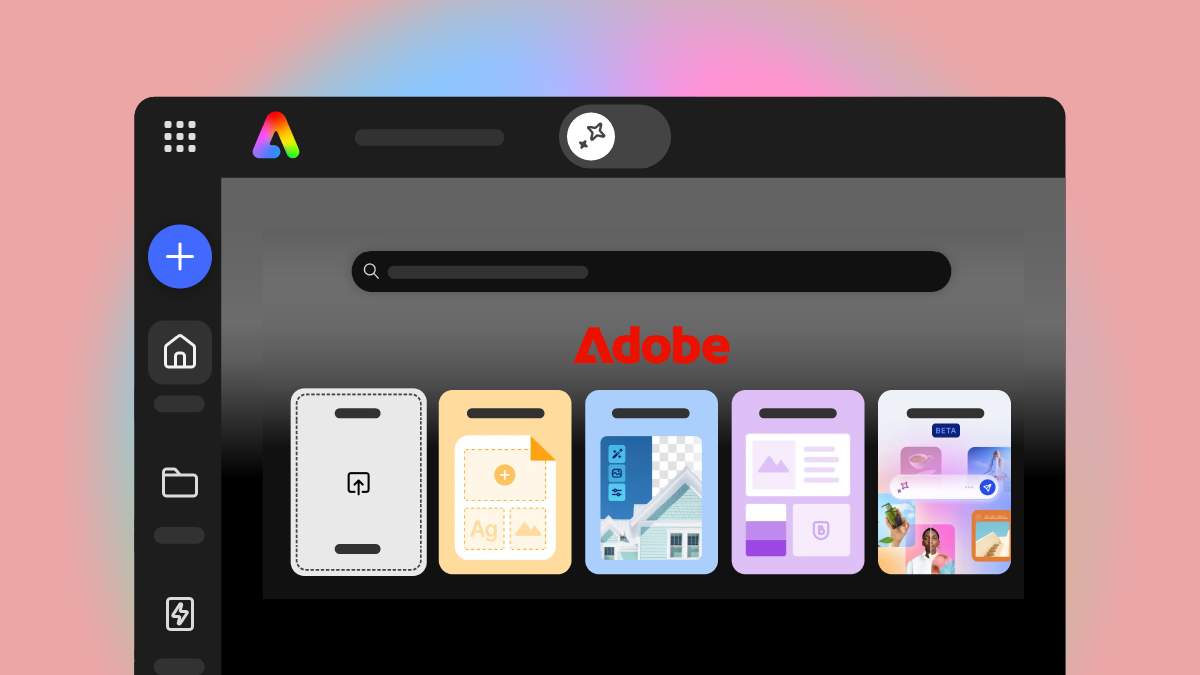
Choose dark mode in your theme settings, or let Adobe Express automatically match your browser’s appearance. Now available on Adobe Express Enterprise plans.
Learn how to enable dark mode ›
Layer overlays, animated elements, and effects directly onto your designs, with no green screen or manual background removal.
Learn more about transparent video support in Adobe Express ›

Frame photos, shapes, and elements with a new Borders panel in the editor and adjust color and thickness to make key pieces stand out.

Add guest emails as you create an event, and Adobe Express sends branded invitations and updates for you.

Plan, preview, schedule, and publish content to YouTube directly from Content Scheduler.

Design a personalized invitation, create an event link, and invite your guests. Guests can RSVP, and you can track responses as they come in.

Select Dark in your theme settings, or select Default to automatically match your browser’s appearance.

Create a fully designed webpage from a simple text prompt, all without leaving Adobe Express.

Turn your Adobe Express designs into a live, interactive file you can add to your website, blog, or online document.

Let team members manage their organization in Manager Hub, which adjusts to show only the actions each person's role allows.

Add emojis directly in text using your device’s native emoji picker.

Copy a YouTube URL and paste it directly into your file to add playable video content.

Improve the layout, spacing, and alignment of your design elements with AI Assistant.

Easily revert to a previous version of your design from the Version history panel to recover earlier edits.

Resize captions directly on the canvas using the resize handles, and easily apply the changes to all captions in your file.

Customize caption font, style, and size right from the captions panel, including your own uploaded fonts and brand fonts.

Create, open, edit, and export presentation files with up to 250 pages on desktop. Available for Enterprise plans only.

Access template performance metrics at a glance. See how your custom templates are being used across your organization. Available for Enterprise plans.

Extract an audio track from a video to edit the audio separately from the video.

Quickly apply professional guide grids with preset layouts for consistent designs.

Prompt the AI Assistant to clear motion from your designs, reset a scene to a fully static state, or strip animation presets while preserving object timing when you choose.

Browse and switch between pages in multi-page designs using the page navigation panel in AI Assistant.

Set independent bleed values for your designs, offering a visual bleed boundary, and automatically extend backgrounds into the bleed zone for more precise print-ready output.
V programu Adobe Express lahko ustvarite karkoli
Od objav v družbenih omrežjih do predstavitev in kompletov blagovne znamke – vse lahko oblikujete na enem mestu.
