Explore AI-powered tools and workflow enhancements in recent mobile releases.
September 2026 (version 11.6)
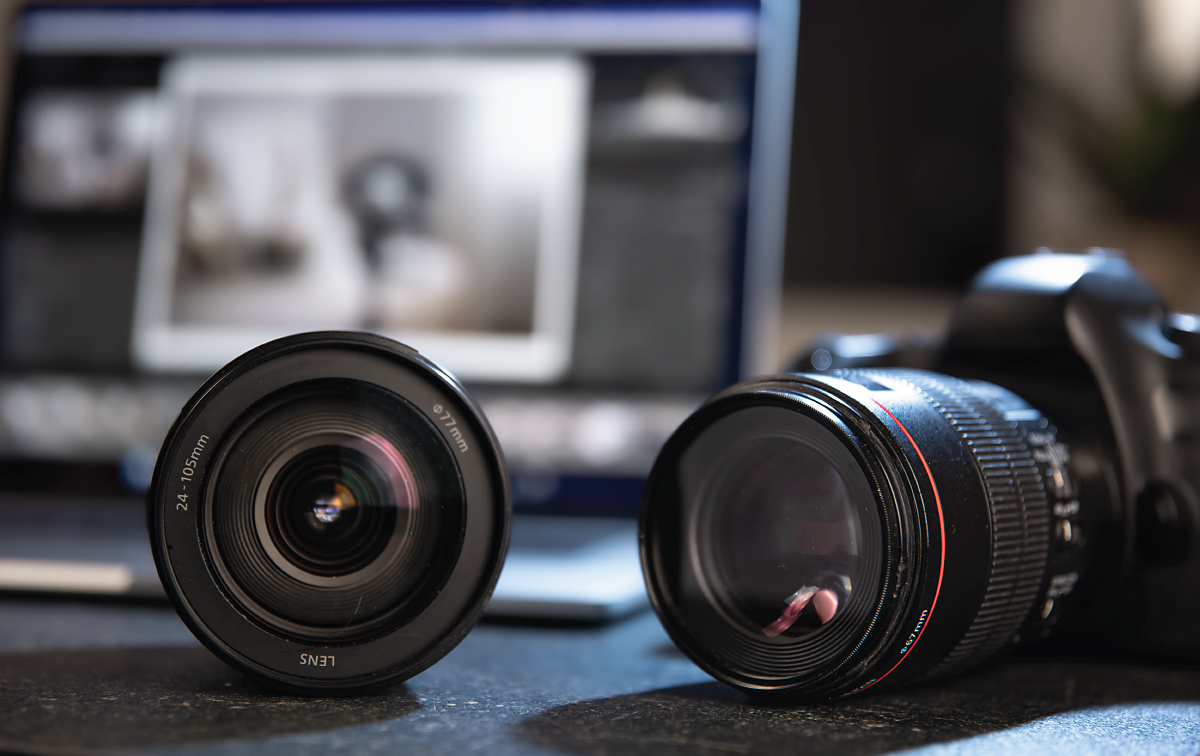
Support for new cameras
Find newly added cameras in the complete supported camera profile list.
Learn which cameras Lightroom on Android supports >

Support for new lenses
Find newly added lenses in the complete supported camera profile list.
Learn which lenses Lightroom on Android supports >

Try the latest in Lightroom on mobile
Start exploring new features and enhancements.
August 2026 (version 11.5.20)

Convert Photos to Videos
Turn a photo into a dynamic AI-generated video with the Photo to Video feature.
Learn how to create a video from a photo >
August 2026 (version 11.5)

Expand your photos with AI
Extend your photo's canvas and fill in the new space with AI-generated content that matches the original image.
Learn how to use Generative Expand on your photos >
June 2026 (version 11.4)

Add and update photo locations
Add, update, or correct location information for your photos directly in Lightroom on mobile.
Learn how to edit photo locations >

Support for new cameras
Find newly added cameras in the complete supported camera profile list.
Learn which cameras Lightroom on iOS supports >

Support for new lenses
Find newly added lenses in the complete supported camera profile list.
Learn which lenses Lightroom on iOS supports >

Film-Inspired presets
Apply film-style presets to add cinematic tones and nostalgic effects to your photos.
Learn how to apply presets >

Film-Inspired profiles
Apply Film-Inspired profiles to enhance your photos with unique tonal and color styles.
Learn how to use profiles on images >

Support for PSB files
You can now import, render, and edit PSB files in Lightroom, across all surfaces.
Learn more about supported file formats in the Lightroom ecosystem >

WebP file format support
You can now import, edit, and sync WebP files.
Learn more about supported file format >

Enhanced Crop workflow in Lightroom on mobile
Experience the redesigned Crop and Geometry tools for smoother scrolling and zooming.
Learn how to crop images ›

Sharing albums from free Lightroom Mobile accounts
Seamlessly edit to share customized photo albums of your favorite moments via a unique link or QR code — no subscription required.
Learn how to share an album without any subscription ›

Blemish Removal
Quickly remove acne marks and blemishes from photos in Lightroom on mobile.
Learn how to remove blemishes using Quick actions ›

Quick Actions improvements
The Scene enhance feature in Quick actions lets you detect and enhance snow in your winter photos.
Learn how to enhance scenes in images using Quick actions ›
September 2026 (version 11.6)
Support for new cameras
Find newly added cameras in the complete supported camera profile list.
Learn which cameras Lightroom on Android supports >
Support for new lenses
Find newly added lenses in the complete supported camera profile list.
Learn which lenses Lightroom on Android supports >
Try the latest in Lightroom on mobile
Start exploring new features and enhancements.
August 2026 (version 11.5.20)
Convert Photos to Videos
Turn a photo into a dynamic AI-generated video with the Photo to Video feature.
Learn how to create a video from a photo >
August 2026 (version 11.5)
Expand your photos with AI
Extend your photo's canvas and fill in the new space with AI-generated content that matches the original image.
Learn how to use Generative Expand on your photos >
June 2026 (version 11.4)

Retouch skin imperfections with enhanced Blemishes removal
Quickly remove blemishes from one or multiple people and fine-tune results with additional tools.
Explore the new Blemishes removal workflow >
Support for new cameras
Find newly added cameras in the complete supported camera profile list.
Learn which cameras Lightroom on Android supports >
Support for new lenses
Find newly added lenses in the complete supported camera profile list.
Learn which lenses Lightroom on Android supports >
Film-Inspired presets
Apply film-style presets to add cinematic tones and nostalgic effects to your photos.
Learn how to apply presets >
Film-Inspired profiles
Apply Film-Inspired profiles to enhance your photos with unique tonal and color styles.
Learn how to use profiles on images >
Support for PSB files
You can now import, render, and edit PSB files in Lightroom, across all surfaces.
Learn more about supported file formats in the Lightroom ecosystem >
WebP file format support
You can now import, edit, and sync WebP files.
Learn more about supported file format >
Enhanced Crop workflow in Lightroom on mobile
Experience the redesigned Crop and Geometry tools for smoother scrolling and zooming.
Learn how to crop images ›
Sharing albums from free Lightroom Mobile accounts
Seamlessly edit to share customized photo albums of your favorite moments via a unique link or QR code — no subscription required.
Learn how to share an album without any subscription ›
Blemish Removal
Quickly remove acne marks and blemishes from photos in Lightroom on mobile.
Learn how to remove blemishes using Quick actions ›
Quick Actions improvements
The Scene enhance feature in Quick actions lets you detect and enhance snow in your winter photos.
Learn how to enhance scenes in images using Quick actions ›
