Lightroom Classic 說明
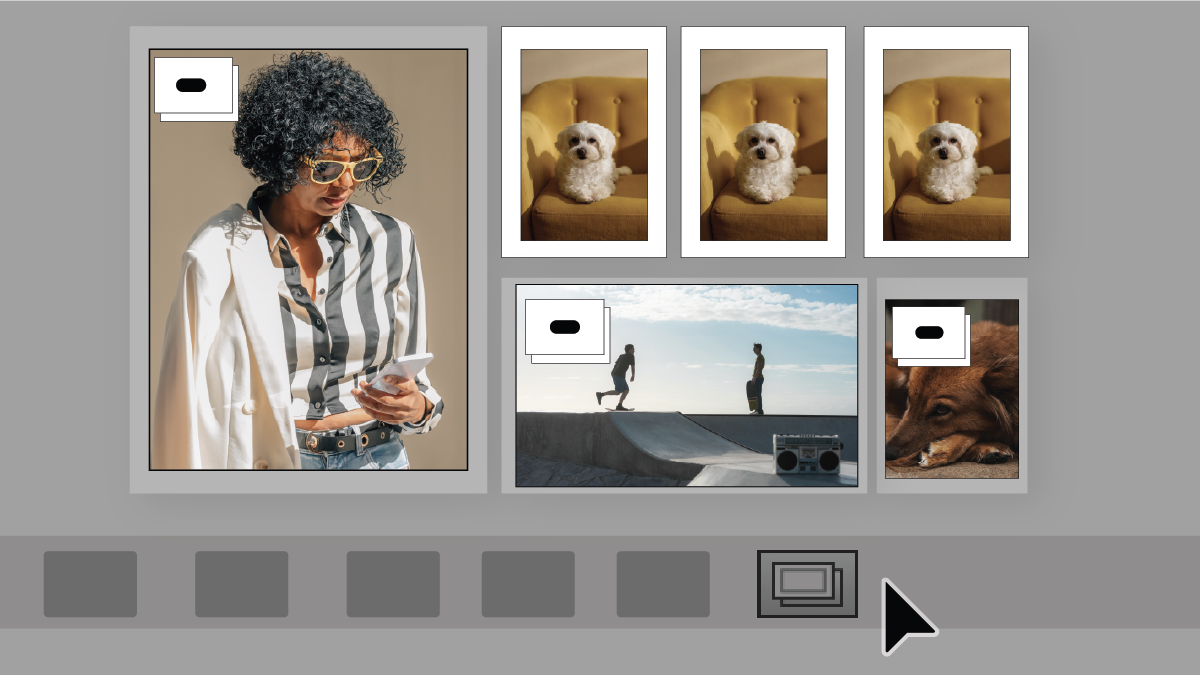
尋找和管理重複相片
使用「輔助剔除」選取最佳相片
Lightroom Classic 系統需求
設定使用 Lightroom Classic 的偏好設定
工作區基本介紹
Lightroom Classic 已修正的問題
疑難排解 Lightroom Classic 的當機或凍結問題
疑難排解損毀的編目
了解您可以在 Lightroom Classic 和 Lightroom 中讀入及處理的影像檔案格式。 快速參照
可讓您在 Adobe Lightroom Classic 中提高工作效率的鍵盤快速鍵清單。
在 Lightroom Classic 中,使用 AI 驅動的「干擾物移除」工具,消除相片中的多餘人物,將相片轉變為完美畫面。
瞭解如何根據不同用途,從 Adobe Photoshop Lightroom Classic 將相片匯出為各種檔案格式。
瞭解如何在 Adobe Photoshop Lightroom Classic 中建立及管理編目:開啟、轉存、升級、自訂等。
新的 Lightroom Classic 功能「移除」可協助您快速移除相片中的干擾和不想要的物件。
Acrobat
Stock
Firefly
Photoshop
Illustrator
所有應用程式
熱門
Adobe Express
Lightroom
InDesign
After Effects
Premiere
創意與設計
Aero
Animate
Audition
Behance
Bridge
Capture
Character Animator
Creative Cloud
Creative Cloud for iOS & Android
Creative Cloud Market
Dimension
Dreamweaver
Frame.io
Adobe Fonts
Fresco
InCopy
Lightroom Classic
Media Encoder
Photoshop Elements
Photoshop Express
Portfolio
Premiere Elements
Premiere Rush
Substance 3D Painter
Substance 3D Designer
Substance 3D Sampler
Substance 3D Modeler
Substance 3D Stager
XD
PDF 與電子簽名
Reader
Acrobat Export PDF
Document Cloud
Scan
Send & Track
Sign
eLearning
Captivate
Connect
Learning Manager
Technical Communication
FrameMaker
Robohelp
Robohelp Server
Technical Communication Suite
網頁應用程式開發
ColdFusion
Language Navigation
選擇您的地區
選取地區會變更 Adobe.com 上的語言及/或內容。
Americas
Asia Pacific
Europe, Middle East and Africa