
Last updated on
Jul 25, 2024
Shape tools
Use the Shape tools in Adobe Dimension to draw and stamp basic 3D shapes. The shape documentation provides details on each shape's properties.
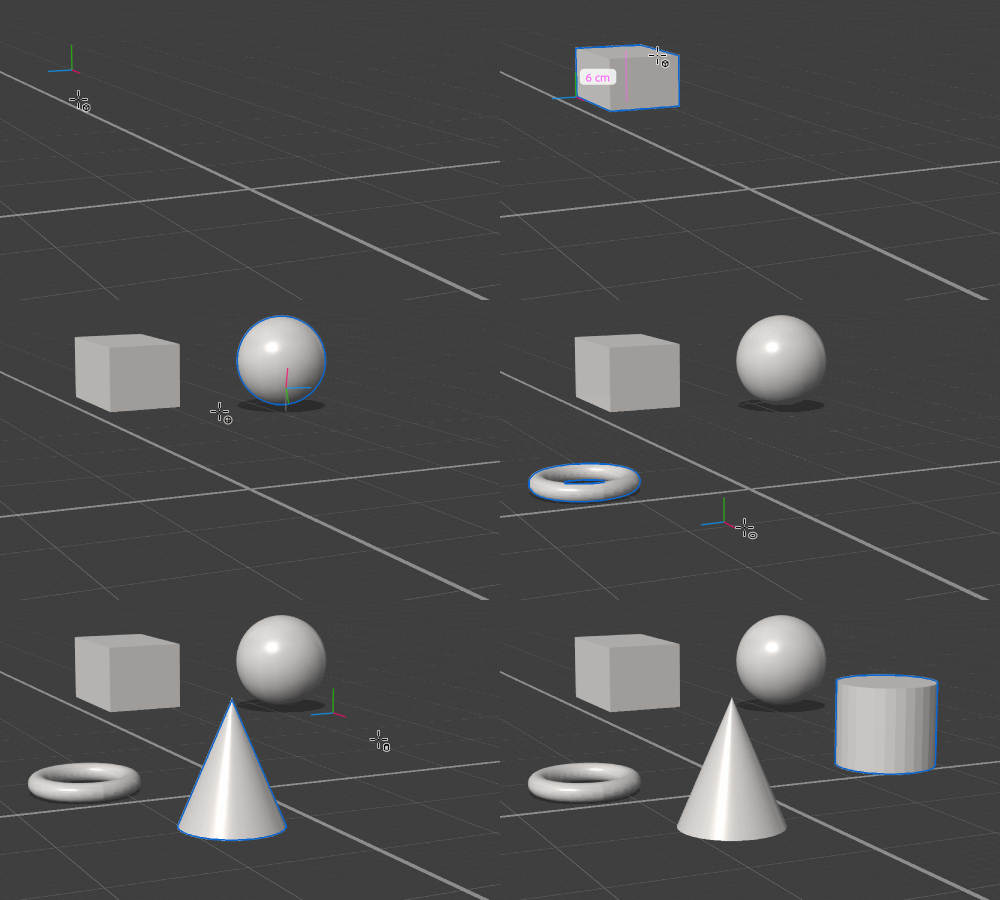
To use the Shape tools
- Activate a Shape tool on the toolbar.
- Click and drag in the viewport to draw the shape.
- Change tool options to customize the tool interaction methods.

Tool Options
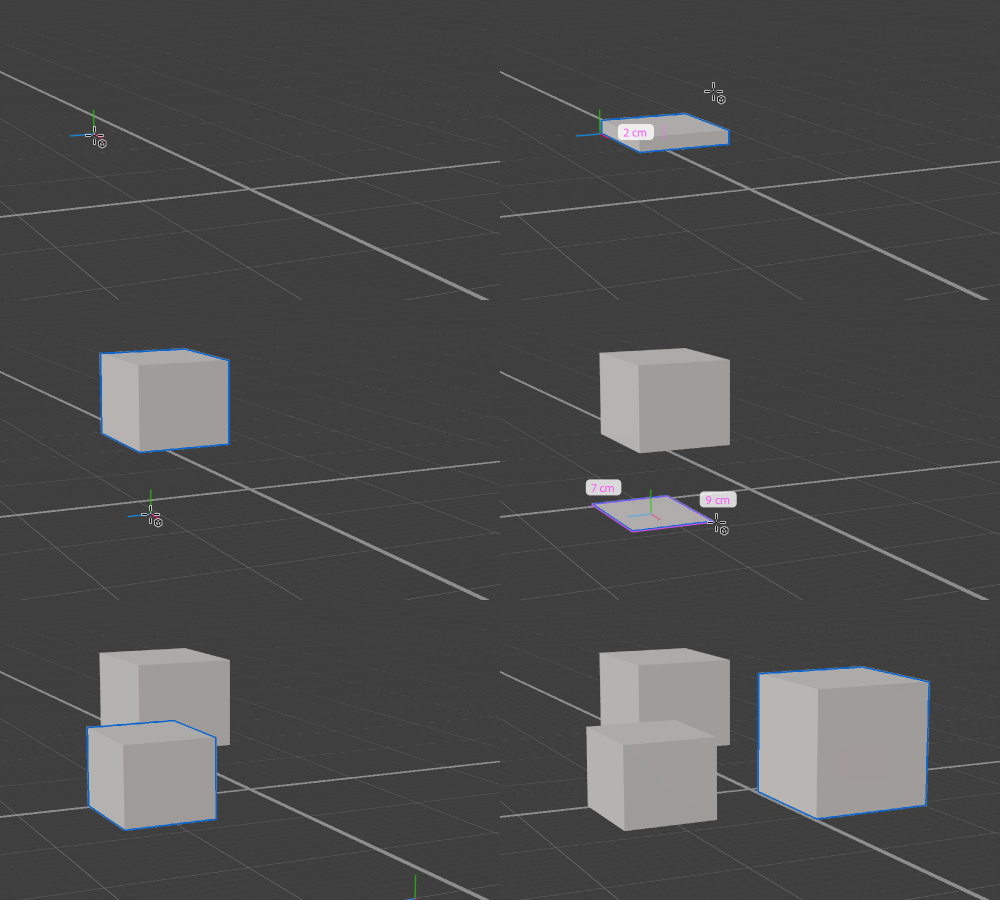
Construction method
The method for viewport interactions.
Base: Draw the shape from corner to corner of the base.
Center Base: Draw the shape outward from the center of the base.
Stamp: Create a shape with default properties and uniform scale.

Design stunning 3D visuals with Dimension
Create photorealistic 3D images for product mockups, branded content, and more.
