Download and Install Elements products purchased from Amazon

Last updated on Apr 1, 2026

Purchased Adobe Photoshop Elements or Adobe Premiere Elements from Amazon? Learn how to find your redemption code and download your Elements products from Adobe.

How do I find the Redemption code/key on Amazon after purchase?

Watch this video to learn how to find your Adobe Elements redemption code in your Amazon account.

When you buy Adobe Photoshop Elements or Adobe Premiere Elements from Amazon, you receive a redemption code in your Amazon account. Redeem this code to register your Elements product with your Adobe ID.

Follow either of the given ways to view your purchase and access your redemption code:

  • Email: You will receive an email post-purchase with your Redemption code/key in it.
  • Amazon account: Open your Amazon account. Go to Returns & Orders, and select Go to Your Software Library.
Click Orders

Your Redemption code/key will be presented on the screen. 

Jot down your redemption code/key.

Follow the Redemption instructions below.


How do I redeem this item on Adobe.com?

Watch this video to learn how to sign in to your Adobe account, redeem your Adobe Elements redemption code, and download your product.


Before you begin, jot down the redemption code/key provided by Amazon (per the instructions above).

Do one of the following:

  • Returning Adobe customer? Sign in using your email and existing Adobe password.
  • New to Adobe? Select Create an account, and then follow the onscreen instructions.

Enter the redemption code/key provided by Amazon and select Redeem code.

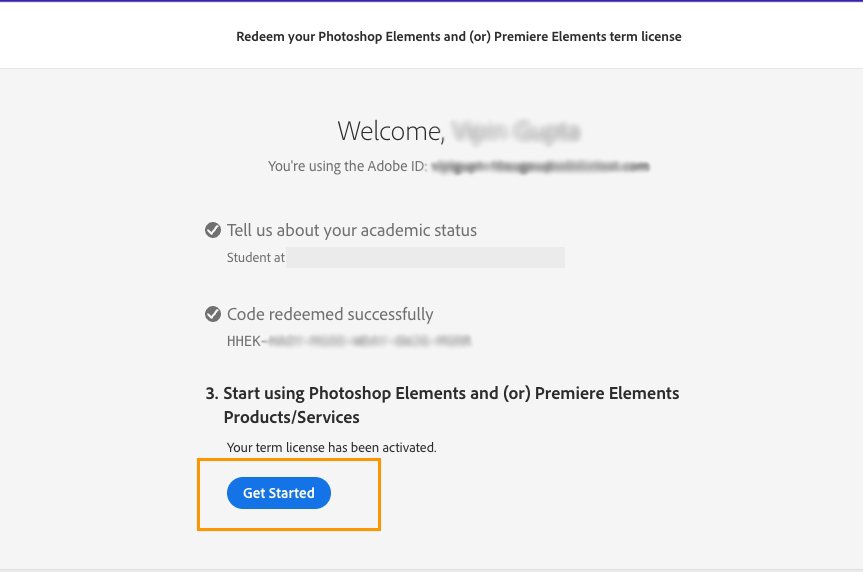
Select Get Started.

Select Download.

Select Download .dmg to download the Mac Installer or Download .exe for Windows Installer.

Open the downloaded file and follow the instructions to complete the installation.

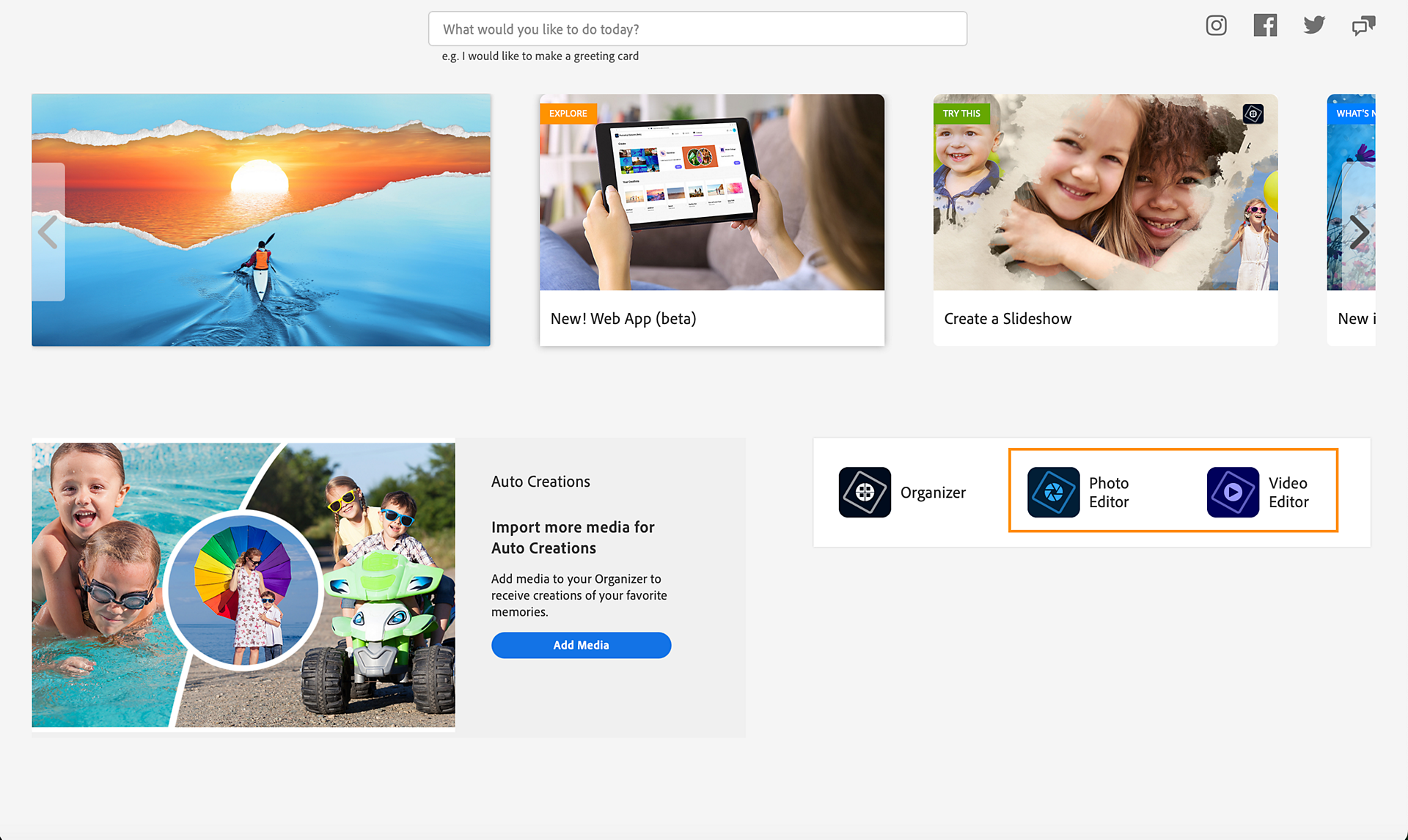
Once installation completes and the app opens, select Photo editor to open Adobe Photoshop Elements or Video editor to open Adobe Premiere Elements.

Sign in with your Adobe ID, If prompted.

Your app opens and is ready to use.

Student and Teacher Edition

Do one of the following:

  • Returning Adobe customer? Sign in using your email and existing Adobe password.
  • New to Adobe? Select Create an account, and then follow the onscreen instructions.
Create an account.
Select Create an account on the sign-in screen.

Enter the details to validate your academic status and select Continue.

Enter your redemption code

Enter the redemption code/key provided by Amazon and select Redeem code.

Enter your redemption code

Select Get Started.

Click Download

Select Download.

Click Download

Select Download .dmg to download the Mac Installer or Download .exe for Windows Installer.

Click Download

Open the downloaded file and follow the instructions to complete the installation.

Once installation completes and the app opens, select Photo editor to open Adobe Photoshop Elements or Video editor to open Adobe Premiere Elements.

Click Download

Sign in with your Adobe ID, If prompted.

Your app opens and is ready to use.

To redeem a redemption code for Elements 2024 and earlier versions visit www.adobe.com/go/getserial

Get to know Elements

Photoshop Elements

Premiere Elements