Photoshop Elements Справка
Explore the AI Mode in Photoshop Elements
Expand beyond image boundaries with Generative Expand
Download Photoshop Elements
Redeem and Activate your Elements software
Install Photoshop Elements
Basic Troubleshooting steps
Install Adobe Camera Raw plugin
Troubleshoot system errors, freezes and crashes
Learn how to use Generative Upscale to increase image resolution and enhance image quality using generative AI in Photoshop Elements.
Learn how to use Generative Expand in Photoshop Elements to extend image boundaries and automatically generate matching content beyond the original canvas.
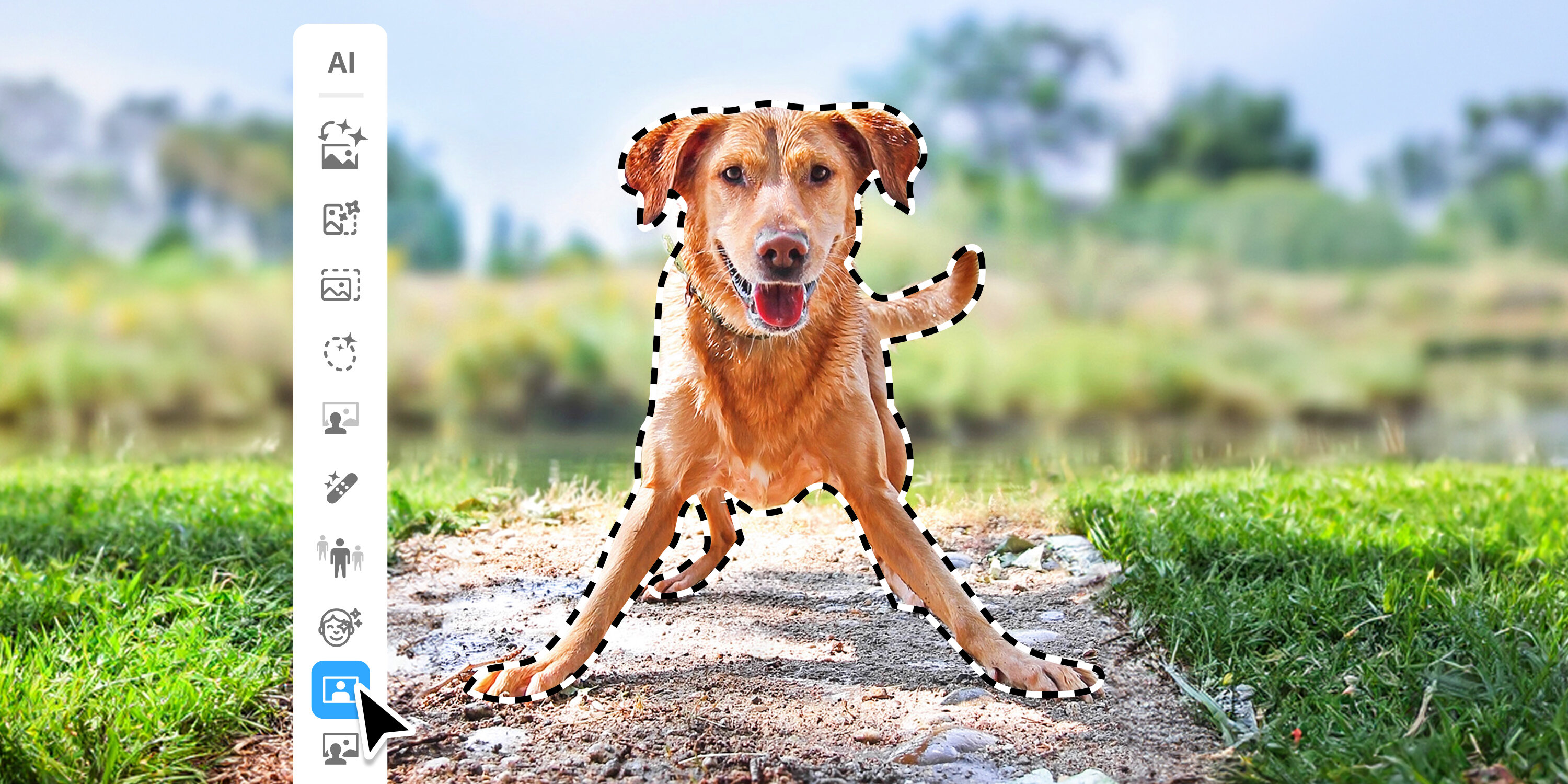
Explore AI Workspace in Photoshop Elements and learn how to use generative AI tools to create and edit images.
Use the Send to Phone feature in Photoshop Elements to transfer media to your mobile by scanning a QR code with your phone.
Learn how to generate unique images using AI-powered tools in Photoshop Elements. Create custom visuals, explore creative ideas, and enhance your projects with ease.
Learn how to insert objects into your photos in Photoshop Elements. Add, position, resize, and blend objects seamlessly to create realistic and creative compositions.
Learn how to apply Creative filters to transform photos with artistic effects and create unique looks in Photoshop Elements.
Learn how to use the Contextual Task Bar to quickly access relevant tools and actions based on your current task in Photoshop Elements.
Learn to use Combine Photos in Photoshop Elements.
Acrobat
Stock
Firefly
Photoshop
Illustrator
All apps
Popular
Adobe Express
Lightroom
InDesign
After Effects
Premiere
Creativity & design
Aero
Animate
Audition
Behance
Bridge
Capture
Character Animator
Creative Cloud
Creative Cloud for iOS & Android
Creative Cloud Market
Dimension
Dreamweaver
Frame.io
Adobe Fonts
Fresco
InCopy
Lightroom Classic
Media Encoder
Photoshop Elements
Photoshop Express
Portfolio
Premiere Elements
Premiere Rush
Substance 3D Painter
Substance 3D Designer
Substance 3D Sampler
Substance 3D Modeler
Substance 3D Stager
XD
PDF & E signatures
Reader
Acrobat Export PDF
Document Cloud
Scan
Send & Track
Sign
eLearning
Captivate
Connect
Learning Manager
Technical communication
FrameMaker
Robohelp
Robohelp Server
Technical Communication Suite
Web application development
ColdFusion
Language Navigation
Выбрать регион
Выбор другого региона приведет к изменению языка и/или содержимого страниц веб-сайта Adobe.com.
Americas
Asia Pacific
Europe, Middle East and Africa