-
Adobe Express Web Help
- What's new
-
Get set up
- Learn the basics
- Access the app
- Preferences and settings
- Get started
-
Create and edit videos
- Create videos
- Edit videos
- Organize clips
- Change file formats
-
Create and edit images
- Create and modify with generative AI
- Edit images
- Change file formats
-
Create and edit documents and webpages
- Create and edit documents
- Create webpages
- Create drawings
-
Add effects to your designs
- Add audio
- Add animations
-
Add text
- Add text to designs
- Create text effects with generative AI
- Add custom fonts to designs
- Translate your designs
- Technical requirements for Translate
- Rewrite FAQ
- Create text variations using generative AI
- Find and replace text
- Apply shadow effects to text
- Spellcheck content in Adobe Express
- Enable font size in decimals
- Add images and visuals
- Create QR codes
-
Bring in assets from other apps
- Use Creative Cloud assets
- Import Acrobat files
- Import files from other apps
-
Manage brands, libraries, and projects
- Create brands, libraries, and projects
- AI features and AI Assistant
-
Video creation and editing
- Create videos
- Edit videos
- Change file formats
-
Image creation and editing
- Generate and edit with AI
- Edit images
- Change file formats
-
Documents and presentations
- Convert other file types to PDF
- Merge different file formats to a single PDF
- Edit PDFs
- Organize pages
- Convert PDFs to different file types
- Add and format text in documents
- Create documents from templates
- Design presentations in Adobe Express
- Deliver presentations in Adobe Express
- Explore presentation templates
- Switch between presentation and designs in Adobe Express
- Design webpages
-
Create with templates
- Create templates
- Edit templates
- Templates in Adobe Express
- Create editable templates with generative AI
- Tips for creating generative AI templates
- Use Adobe Express for Slack to access and generate templates
- Design and print using print-ready templates
- Use ChatGPT to discover Adobe Express templates
- Save favorite templates and assets
- Create drawings
- Adobe Express subscription
-
Adobe Express on mobile
- Get set up
-
Create and edit designs
- Create images with generative AI
- Create text effects with generative AI
- Insert objects with generative AI
- Remove objects using Generative fill
- Generate editable templates with generative AI
- Create and edit videos
- Explore templates
- Work with Photoshop and Illustrator assets
- Create and manage brands
- Delete files
- Import PDFs on mobile
- Record videos in Adobe Express on mobile
- Share designs
- Troubleshoot
-
Troubleshoot
- Known issues and reporting
- Access and launch issues
- Performance issues
- Cross-app workflow issues
- Project and file issues
-
Adobe Express for education
- What's new
-
For educators
- Adobe Express for Education overview
- Adobe Express for Education teachers verification
- Create educator accounts
- Classrooms overview
- Create classrooms
- Add students to classrooms
- Manage classrooms
- Assignments overview
- Create assignments
- Share assignments
- Provide feedback on assignments
- Troubleshoot issues with assignments
- Assignments and classrooms FAQs
- Change email address for educator account
- Migrate projects to the latest Adobe Express for iPad
- Troubleshoot Adobe Express on iPad
- Adobe Express Classroom integrations
- K-12 Education on iPad overview
- Install Adobe Express on iPad
- Adobe Express for Education FAQ
- Access Adobe Express for Education through MagicSchool
- Assignment types with device or account restrictions in Adobe Express for Education
- Overview of the New Adobe Express Home for Education
- Feature and Access Guide for the New Adobe Express for Education Home
- Co-teacher permissions in Adobe Express for Education
- Access educator account
- Set up Adobe Express for Education
- Add co-teachers to classrooms
- Classroom permissions in Adobe Express for Education
- Understanding classrooms in Adobe Express for Education
- Delete assignments
- Verify your teacher status
-
For students
- Adobe Express for Education students overview
- Adobe Express for K-12 Students overview
- Access Adobe Express student account
- Classrooms Overview
- Access, complete, and turn in assignments
- Comment on assignments
- Delete your Adobe Express student account
- Refer students and earn rewards
- Adobe Express for Education FAQ
- Use a referral link to set up a new account
- Refer students and earn rewards FAQ
- Work with assignments
- Submit your assignments
- Track students progress
- Access classrooms
- Troubleshoot
-
Publish and share
- Manage project links
-
Share to social media
- Create TikTok videos and share them to TikTok Ads Manager
- Set safe zones for social media posts
- Connect Facebook
- Connect X (Twitter), Pinterest, LinkedIn or TikTok
- Connect Instagram for business account
- Share content to social media
- Generate captions for social media using generative AI
- Best practices for writing social captions in Content Scheduler
- Specifications for social mentions
- Add social mentions in your social media posts
- Schedule and manage posts
- Print and export
-
Invite and collaborate
- Lock and unlock elements in your design
- Invite collaborators to a file
- Add comments to shared files in Adobe Express
- Copy files between accounts
- Share files as view-only links in Adobe Express
- Add review and approval workflows to templates
- Send templates for review and approval
- Review and approve templates in Adobe Express
- Review and approve templates in Workfront
- Add comments directly to design assets
-
Create and customize text
- Add text to designs
- Create text effects with generative AI
- Technical requirements for Translate
- Translate your designs
- Add custom fonts to designs
- Rewrite FAQ
- Create text variations using generative AI
- Apply shadow effects to text
- Find and replace text
- Spellcheck content in Adobe Express
- Enable font size in decimals
- Bulk create and automate
-
Brands, libraries, and projects
-
Create and manage brands
- Create brands from uploaded images
- Create brands
- Edit roles in brands
- Best practices to apply brand colors and fonts
- Share brands
- Apply brand to pages, images, and illustrations
- Leave shared brands
- Custom fonts overview
- Add custom fonts to your brand
- Brand style restrictions
- Create templates with brand restrictions
- Create from brand-controlled shared templates
- Edit templates with brand restrictions
- Link brands to multiple projects
- Create projects and libraries
-
Create and manage brands
- Audio and animation
- Arrange layers and pages
-
Add-ons and integrations
- Install Adobe Express for Slack
- Use Adobe Express for Slack
- Create with Adobe Express in EA SPORTS Team Builder
- Adobe Express add-ons overview
- Install add-ons in Adobe Express
- Develop Add-ons
- Create an Internal listing
- Create Amazon ads in Adobe Express
- Create LinkedIn ads in Adobe Express
- Create Google Ads in Adobe Express
- Design custom team badges in Fantasy Premier League
-
Add images and visuals
- Stickers and QR codes
- Images and backgrounds
- Charts, tables, and shapes
Adobe Express on web overview
Make Reels and TikTok videos, flyers, resumes, banners, logos, and more with the all-in-one Adobe Express app for fast and easy content creation.
Try the app
Create and edit your images and videos for social posts, flyers, logos, and more.

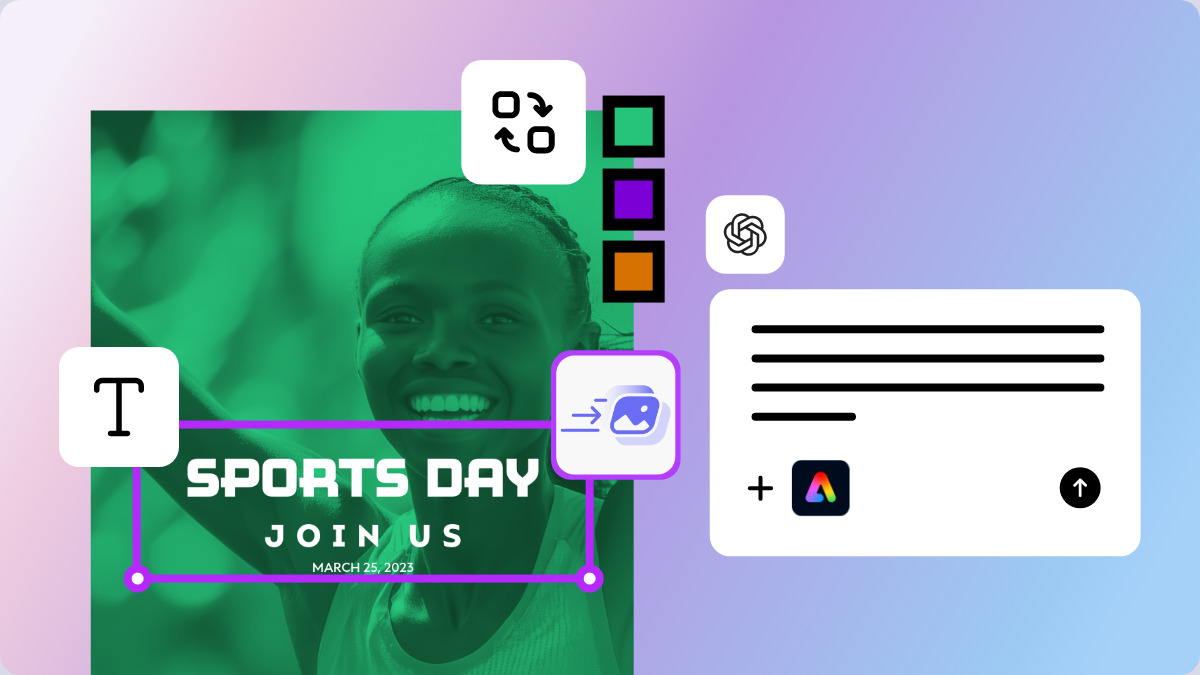
Adobe Express offers effortless ways to combine video clips, artwork, animations, and audio through intuitive drag-and-drop functionality. With thousands of customizable templates, built-in stock assets, and the power of Adobe Firefly generative AI, you can design social posts, marketing materials, videos, and more.
Key features
- AI Assistant: Use AI Assistant to explore, create, and edit content using prompts. Currently AI Assistant is available on Adobe Express Premium plans, on desktop, and only in English (US).
- Content creation: Design a variety of visual materials, such as social media posts, stories, flyers, banners, logos, ads, and presentations.
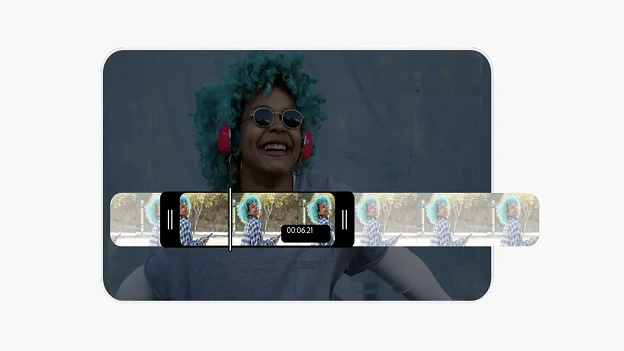
- Video editing: Combine clips, add music, trim, crop, resize, and merge videos, with options to convert them into GIFs or MP4s.
- Photo editing: Quickly remove backgrounds, resize images, and convert between formats like PNG and JPG.
- Generate with AI: Use AI-powered tools from Adobe Firefly to create images, templates, text effects, and insert objects.
- Templates: Access thousands of professionally designed, customizable templates for social media platforms, marketing, and more.
- Brand consistency: Create and manage brand kits, including logos, fonts, and colors, to ensure a uniform brand identity across all your designs.
- Content scheduling: Manage your social media posts easily with the built-in content scheduler, which allows you to plan, schedule, preview, and publish your social content all in one place.
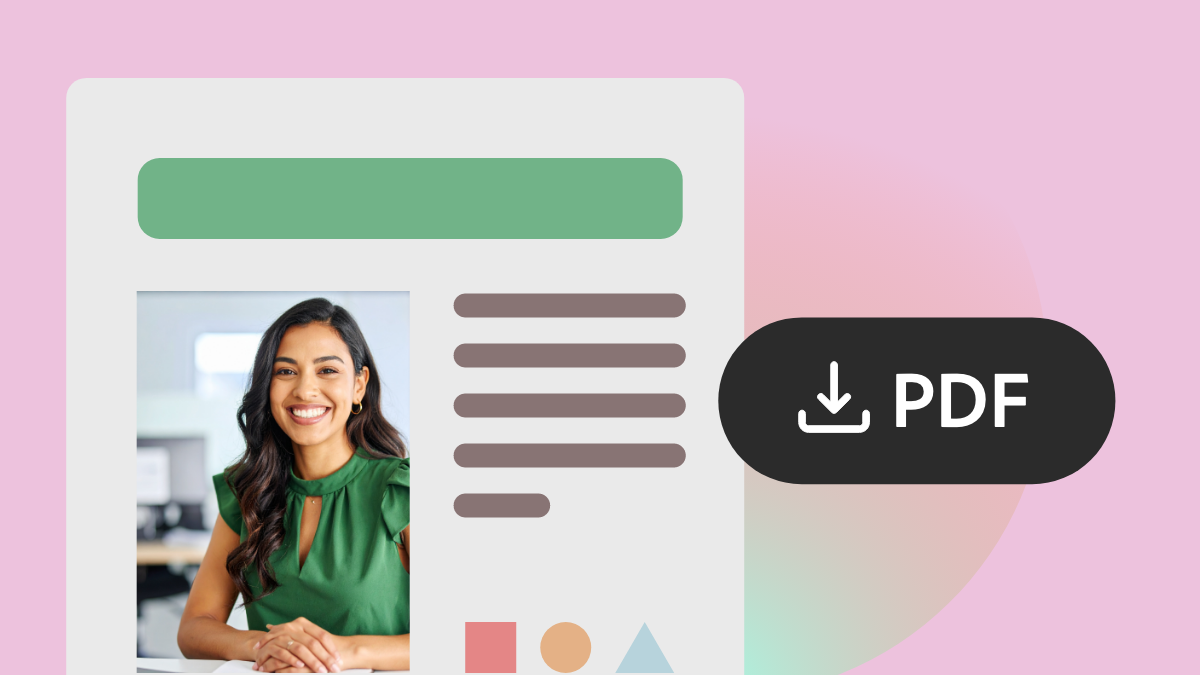
- PDF editing: Convert, edit, and work with PDFs directly within the app.
- Webpage: Build and share simple online pages, such as link-in-bio pages and digital portfolios.
Get Adobe Express
You can use Adobe Express on the web and on eligible mobile devices and tablets. You can also install Adobe Express as a progressive web app (PWA) on your desktop.
- Access Adobe Express on web.
- Learn more about Adobe Express on mobile.
- Install the Adobe Express app on your device.
Adobe Express for Education
Adobe Express for Education, which includes Adobe Express and Photoshop Express, is free for students and educators. It offers data privacy protections and tailored features for educational use. Learn more about Adobe Express for Education.
Adobe Express for Teams and Enterprise
The Adobe Express offering is now available for stand-alone purchasing. For small and medium businesses, get started today and buy Adobe Express for teams. For larger enterprise organizations that need enterprise-grade security and integrations, learn more and contact sales.
Join the community and share feedback
Visit our Adobe community forum to discover fresh ideas and expert tips, and let us know about any bugs or issues you encounter.