
Explore the new and enhanced features in the latest releases of Creative Cloud.
October 2026 (version 6.11.0.478.6 )

Edit recent images in Firefly
Open images from Recent files on the Home tab directly in Adobe Firefly or Firefly Boards to keep creating.

Explore your plan's benefits
See what's included in your plan in the redesigned Benefits tab, with member-exclusive perks highlighted and quick options to upgrade or restart your plan.
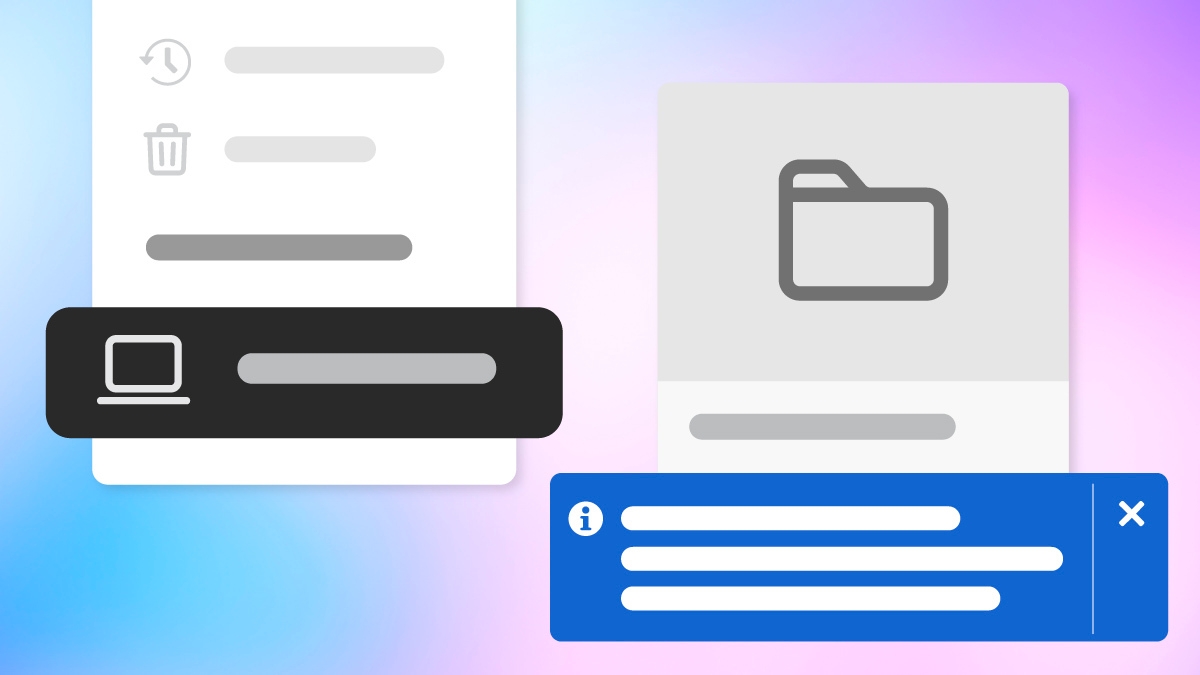
Choose a default folder for local files
Set a default folder for Local storage in the Files tab to open your device files from the location you use most.

Release notes
Review a summary of updates and fixed issues for current and previous Adobe Creative Cloud releases.

June 2026 (version 6.10.0.252.3)

Streamline creative collaboration with Frame.io
Built to elevate your workflows, Frame.io is now integrated into the Creative Cloud desktop app. Browse your workspaces from the Files section, and use the context menu to Open in Frame.io, Copy link, or Download assets.
March 2026 (version 6.9.0.618.1)

Work smarter with local file access
Access and manage files stored on your device directly within the Creative Cloud desktop app using the Local storage option in the Files panel.

Access your generation history
Use the Generation history tab to browse and manage all your previously generated Adobe Firefly images and videos in one place.
Previous releases

Change the Creative Cloud desktop app language
Choose from a variety of language options for your Creative Cloud desktop app so you can manage your apps, files, and account settings in the language that works best for you.

Upload and preview assets in Projects
Quickly upload assets to Projects and preview files with a single click using the new Preview feature.

View the benefits of your Creative Cloud plan
Use the Benefits tab in your Creative Cloud desktop app to view your plan details, available Adobe apps and services, and exclusive offers on third-party platforms.

Manage apps directly from Creative Cloud
Install or uninstall apps directly from the Creative Cloud desktop app. Discover tutorials, plugins, and product information.

Apply Creative Cloud app filters to your files
Use filters to view and manage files created in Adobe Photoshop, Acrobat, and Express.
